
Fully unlocked
All built-in characters, locations, props, vehicles, and features are available without in-app purchases.
School Edition / For classrooms
Puppet Pals 2 gives students a large cast, active animation tools, automatic lip-sync, and room to improvise. School Edition is the complete app — an annual site license for Android tablets and Chromebooks, or a one-time purchase per license on iPad.
Read the deployment guide
What’s included
Students can choose a cast and begin performing quickly. The learning comes from planning, dialogue, collaboration, and what they do with the stage—not from navigating purchase prompts.
All built-in characters, locations, props, vehicles, and features are available without in-app purchases.
Pose characters, make them walk, and build more active scenes with vehicles, locations, and props.
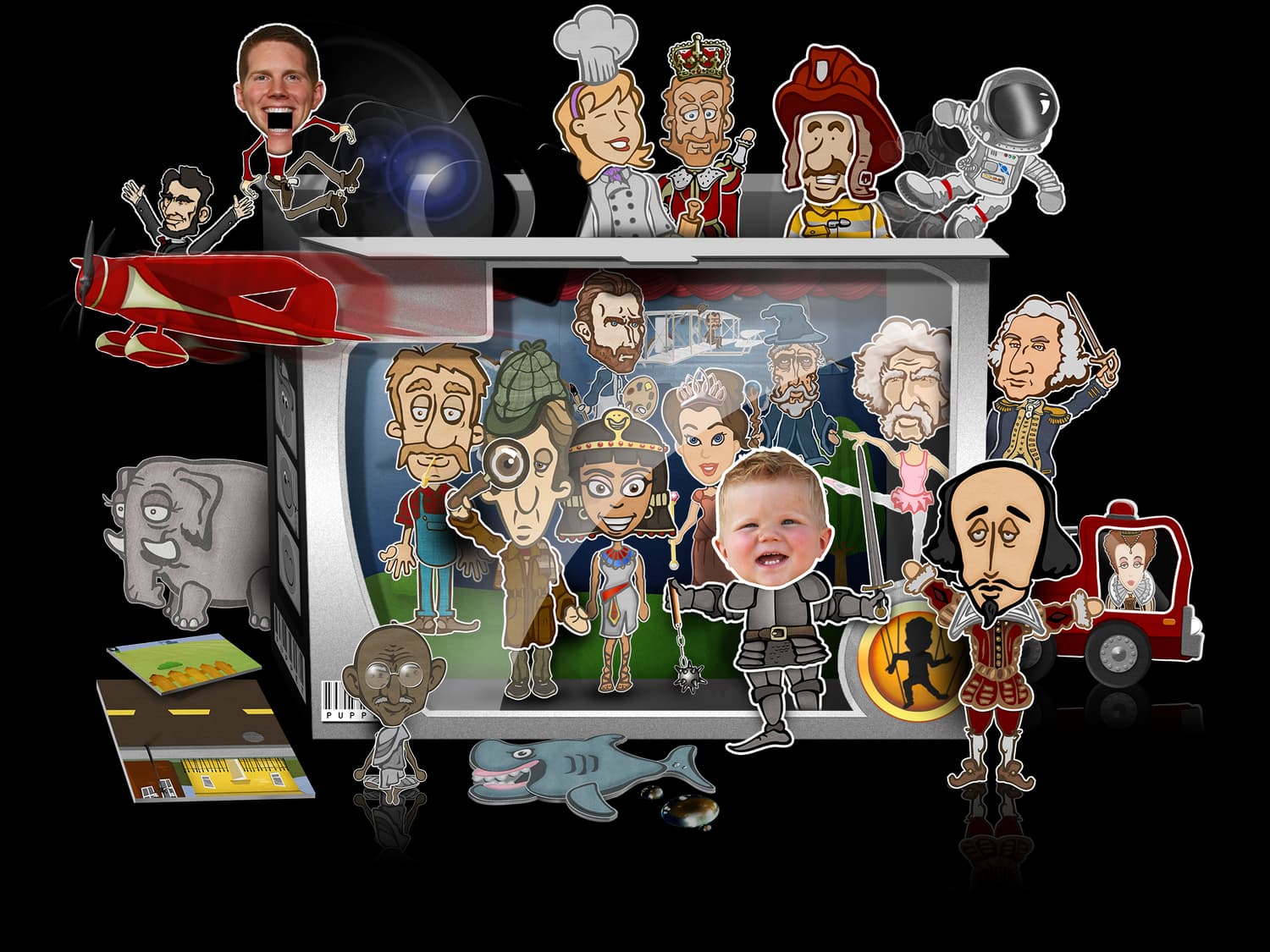
Characters, backgrounds, vehicles, and props give students plenty to cast and stage without creating artwork first.
Record dialogue while characters move, then play the scene back with mouth movement synchronized to student voices.
Annual site license per school site on Android tablets and Chromebooks; one-time per license on iPad through Apple School Manager. No subscriptions or in-app purchases.
Puppet Pals 2 is not fully accessible. A detailed evaluation is in progress, so schools should review the current disclosure before purchasing.
Read the accessibility page →A large built-in cast
The built-in characters, settings, props, and vehicles make it easy for a class to get from assignment to first take without a separate art-production step.
Classroom applications
A performance can reveal understanding that a worksheet misses: sequence, perspective, vocabulary, collaboration, and the ability to explain an idea aloud.
Stage an interview, reenact a moment, or let students explain the choices of a historical figure.
Write and perform dialogue for vocabulary work, fluency practice, or a second-language conversation.
Replace a summary worksheet with a scene that demonstrates character, plot, sequence, and point of view.
Before you purchase
Puppet Pals 2 offers a large ready-made cast and lets students star in a show using photos, but it does not include Puppet Pals 1’s draw-your-own character tools.
Puppet Pals 2 does not meet every accessibility need, and a detailed evaluation is still in progress. Read the current accessibility information before procurement.
How schools buy it
The app is fully unlocked on every platform. The licensing works differently on iPad than on Android tablets and Chromebooks.
Android tablets & Chromebooks / Managed Google Play
First app $150.00 per school site through 30 June, unlimited devices; each extra half off — two $225.00, all three $300.00. Order online, and we add your Google organization ID in Google Play within 1 business day.
Order a site licenseiPad / Apple School Manager
An IT team purchases licenses through Apple School Manager and deploys the app to managed iPads. Apple sets the price — check the current offer there.
Read the iPad deployment stepsSchool Edition
Order an Android/Chromebook site license, or acquire iPad licenses through Apple School Manager and assign them with your school’s device-management service.